AI Automation for Solo Builders & Founders
How to Build Your First AI Agent Without Code: A Solo Founder's Step-by-Step Guide
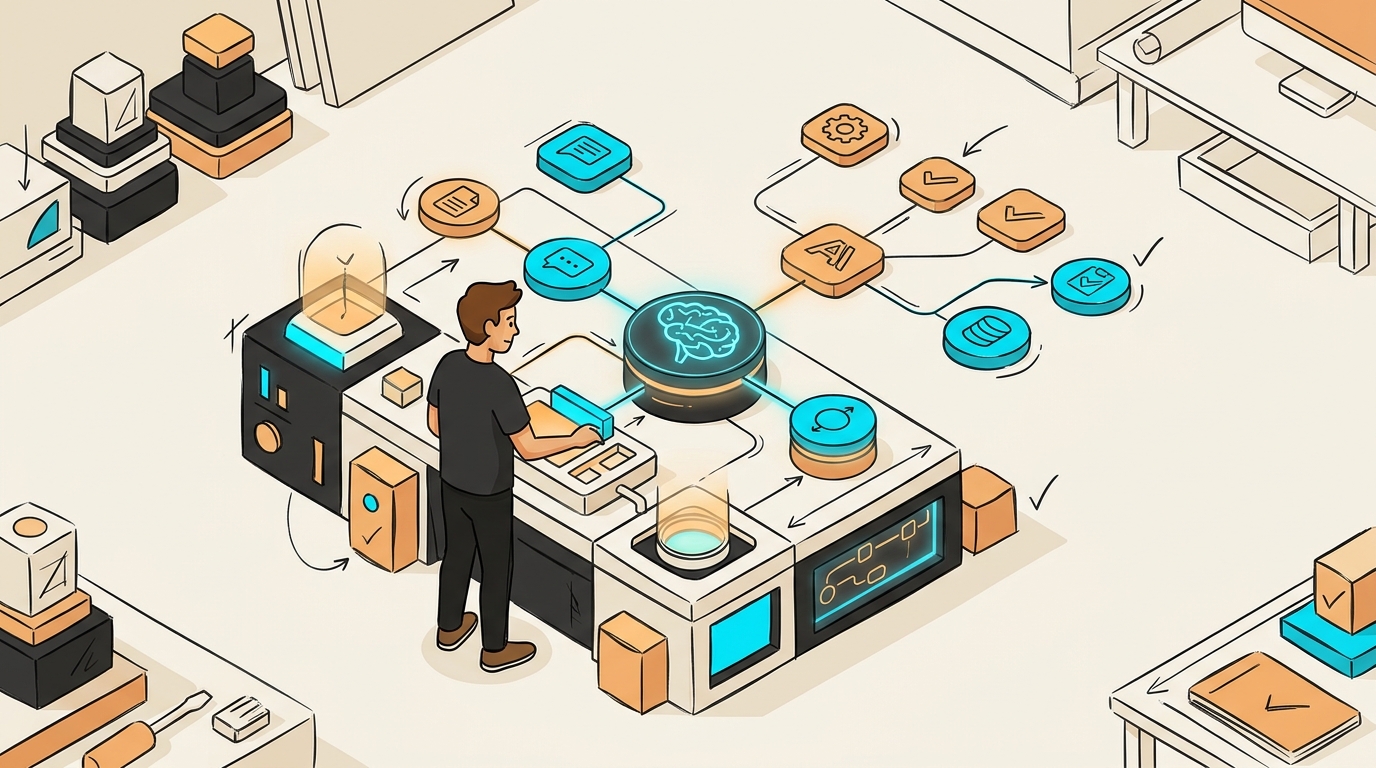
I was manually responding to the same five customer questions every single day. Copy, paste, tweak, send. Repeat. It was eating 90 minutes of my morning before I'd even touched real work. Then I built an AI agent in an afternoon — no code, no developer — and those 90 minutes disappeared.
If you're a solo founder drowning in repetitive tasks, this guide is for you. We're going to walk through exactly how to build your first AI agent from scratch, using free and low-cost no-code tools that exist and work right now.
What Is an AI Agent and Why Solo Founders Need One
Before we build anything, let's clear up a common misconception — because getting this wrong will waste your time.
Understanding AI Agents vs. Chatbots
Most people hear "AI agent" and picture a chatbot. It's not the same thing. According to Remy Gaskill's full course on building AI agents [3], the critical mindset shift is this: chatbots answer questions; agents pursue goals.
A chatbot waits for your input, responds, and stops. An AI agent receives an objective — say, "monitor my inbox, categorise support emails, and draft replies" — and then works through multiple steps autonomously to get there. It uses tools, self-corrects, and loops back until the job is done. No hand-holding required.
That distinction matters enormously for a solo founder. You don't want another tool you have to babysit. You want something that works for you while you sleep.
Key Benefits for Bootstrapped Founders
Here's why this is such a big deal right now:
- You can compete with funded teams. Real companies — like Vulcan, which built complex software for government agencies without a traditional engineering team — are doing this today [4].
- AI is already inside your existing tools. Anthropic's Claude is integrating directly into platforms like Slack, meaning agents aren't a separate system you bolt on — they're embedded in your workflow [7].
- No coding required. Platforms like n8n (free, open-source) and Paperclip let you build and deploy agents visually.
Real-World Use Cases for Solo Operations
Not sure what to automate first? Here are the highest-leverage starting points for a one-person business:
- Customer support: Auto-categorise and draft replies to common questions
- Content creation: Generate, schedule, and post content automatically
- Lead qualification: Score inbound leads and trigger follow-up sequences
- Research summaries: Pull data from multiple sources and synthesise it into a brief
Any one of these could save you 5–10 hours a week. Pick the one that hurts most right now.
Choosing the Right No-Code AI Agent Platform
There are a lot of tools in this space. Here's how to cut through the noise.
Top No-Code Platforms Compared
For a first-time builder, these three are worth knowing:
- n8n — Free, open-source automation platform. Visual workflow builder. Connects to hundreds of apps. Best for founders who want full control and flexibility. Free tier available; self-hosted option is completely free.
- Paperclip — Frames AI agents as employees you hire, each with a defined role and performance metric [1][2]. Great for orchestrating multiple agents. Newer platform; check current pricing.
- Make (formerly Integromat) — Similar to n8n but more polished UI. Free tier available with usage limits.
For your first agent, n8n is the recommended starting point. It's free, well-documented, and has a massive community of templates you can copy.
Pricing and Free Tier Options
- n8n: Free if self-hosted; cloud plan starts around $20/month
- Make: Free tier includes 1,000 operations/month
- Claude API (Anthropic): Pay-as-you-go; very cheap for low-volume agents
- OpenAI API: Similar pay-as-you-go model
You can build and run a functional first agent for under $5/month, or free if you self-host n8n.
Feature Requirements for Beginners
When evaluating any platform, make sure it has:
- Visual workflow builder (no code editor required)
- Native integrations with tools you already use (Gmail, Slack, Google Sheets)
- A way to connect an AI model (Claude or GPT-4)
- Error logging so you can see what broke and why
- A free tier or trial so you can test before committing
Step 1: Define Your AI Agent's Purpose and Scope
This is where most people go wrong. They try to build a Swiss Army knife on day one and end up with nothing that works.
Identifying Your Core Use Case
Start with one job. Just one. Ask yourself: what single task, if automated, would give me back the most time this week?
Write it down in plain language. Not "build an AI that manages my business" — something like: "Every morning, check my Gmail for support emails, categorise them by topic, and draft a reply for each one."
That's a real agent you can build in a day.
Setting Realistic First-Agent Goals
Your first agent should:
- Do one thing well
- Run on a trigger (a schedule, an event, or a new row in a spreadsheet)
- Produce a specific output (a drafted email, a Slack message, a new row in a sheet)
- Require minimal human review to start, with the option to go fully hands-off later
Don't try to build the whole pipeline on day one. Ship something small that works.
Mapping Out Agent Workflows
Before you touch any tool, sketch your workflow on paper or in a Google Doc. Use this format:
Trigger → Action 1 → Action 2 → Output
Example for a content agent:
New row added to Google Sheet (story idea) → Claude generates a short-form post → Post is added to a "Review" column → Auto-posted after 24 hours if no edits
This is almost exactly the architecture used in the viral Shorts machine built with n8n [5] — and it's a pattern you can adapt for almost any use case.
Step 2: Set Up Your First AI Agent in n8n
Let's get hands-on. We're using n8n because it's free and has the most beginner-friendly templates.
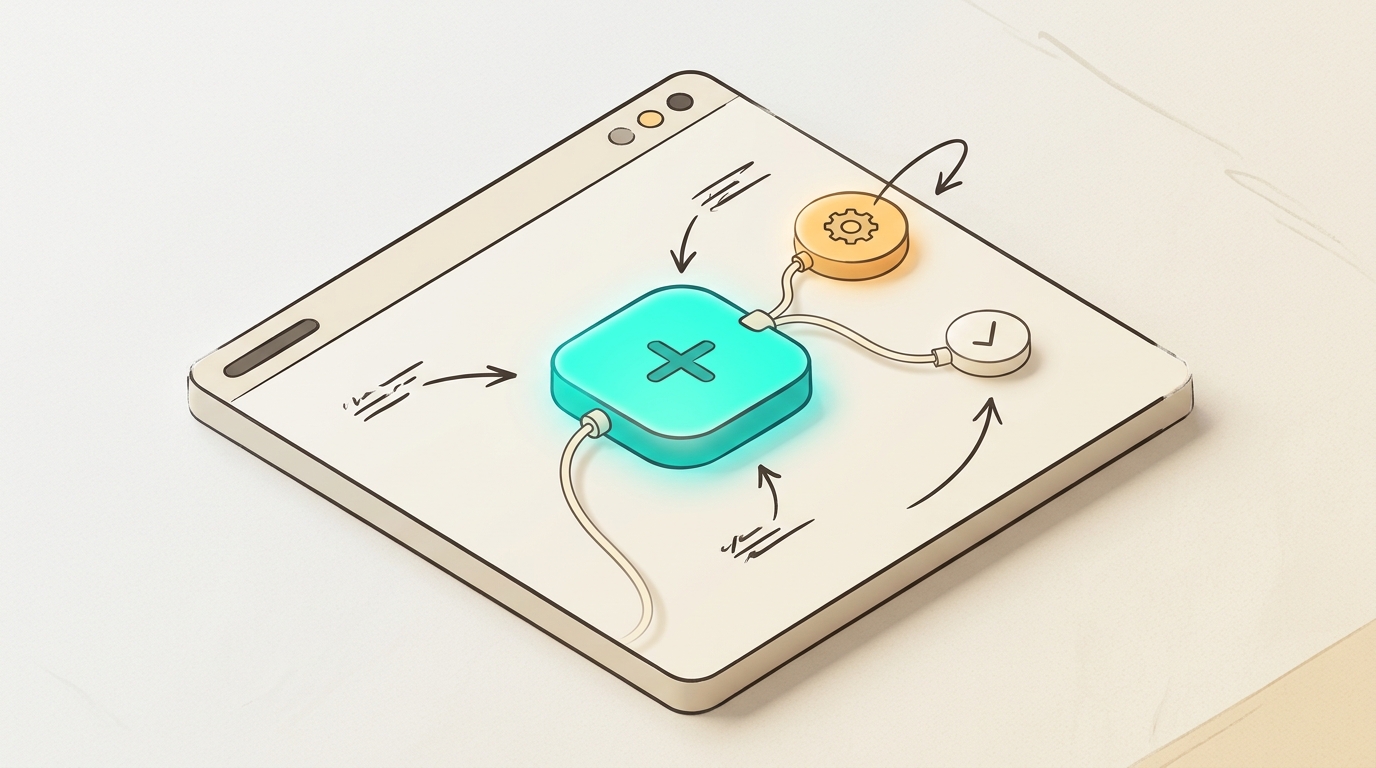
Account Creation and Workspace Setup
- Go to n8n.io and sign up for a free cloud account (or self-host via Docker if you're comfortable with that).
- Once inside, you'll see the workflow canvas — a blank visual editor where you drag and connect nodes.
- Click "New Workflow" and give it a name that describes your agent's job (e.g., "Support Email Drafter").
- Your first node will be a Trigger — this is what wakes the agent up. Common triggers: Schedule (runs every X minutes), Gmail (fires when new email arrives), or Google Sheets (fires when new row is added).
📸 [Screenshot placeholder: n8n canvas with a Schedule Trigger node selected and the trigger settings panel open on the right]
Connecting Data Sources and APIs
- After your trigger, add an action node — for example, "Gmail: Get Emails" to pull unread messages.
- Connect your Google account by clicking the credential field and following the OAuth flow. n8n walks you through this step by step.
- Add a second action node: "OpenAI" or "Anthropic Claude" — this is your AI brain. Paste in a system prompt that describes the agent's job.
Example system prompt:
"You are a customer support assistant for [Your Company]. Read the email below and write a friendly, concise reply. If you don't know the answer, say so and offer to escalate."
Configuring Basic Agent Parameters
- Set your AI model (Claude 3 Haiku is fast and cheap; GPT-4o-mini is a solid alternative).
- Map the email body from Step 6 into the AI prompt using n8n's expression editor (click the
{}icon next to any field). - Add a final node: "Gmail: Send Email" or "Gmail: Create Draft" — start with Draft so you review before anything goes out.
- Click "Execute Workflow" to test it on a real email.
📸 [Screenshot placeholder: n8n workflow showing three connected nodes — Gmail Trigger → Claude AI → Gmail Draft — with arrows between them]
Step 3: Train and Customize Your Agent
A generic agent is okay. A trained one is genuinely useful.
Adding Knowledge Bases and Documents
Most no-code platforms let you attach documents to your agent — FAQs, product docs, pricing sheets. In n8n, you can do this by:
- Storing key information in a Google Sheet that the agent reads before generating a response
- Using a vector database like Pinecone (has a free tier) to give your agent long-term memory
- Pasting static information directly into your system prompt (works fine for smaller knowledge bases)
For your first agent, the system prompt approach is fast and good enough. Upgrade to a vector database when you hit the limits.
Setting Personality and Tone
Your agent should sound like you — or at least like your brand. Add a tone section to your system prompt:
"Write in a friendly, direct tone. Use short sentences. Avoid jargon. Sign off as [Your Name] from [Company]."
Test it with five different inputs and adjust until it sounds right.
Creating Custom Responses and Rules
Add rules for edge cases. Examples:
- "If the email mentions a refund, do not draft a reply — instead, flag it with the label 'Needs Human Review'."
- "If the email is in a language other than English, translate it first, then reply in the original language."
- "Never share pricing information in a reply — direct them to the pricing page instead."
These guardrails are what separate a useful agent from a liability.
Step 4: Integrate Your Agent Into Your Business
An agent that lives in isolation isn't much use. Connect it to where work actually happens.
Embedding on Your Website
If you want a customer-facing agent (like a support chat widget), tools like Voiceflow or Botpress let you build and embed a chat interface without code. You can connect these to your n8n backend via webhook.
For internal use only, skip this step entirely — you don't need a public-facing interface.
Connecting to Slack, Email, or CRM
n8n has native integrations for:
- Slack — post agent outputs as messages in a channel
- Gmail / Outlook — read and send emails
- HubSpot / Notion / Airtable — log agent activity or update records
As noted in research on Anthropic's integrations [7], Claude is already connecting directly into Slack via tools like Claude Tag — so if your team lives in Slack, that's a natural home for your agent's outputs.
Setting Up Automation Workflows
This is where loops come in — and they're the key to making your agent truly autonomous. As Matthew Berman explains in his breakdown of AI loops [6], loops let agents repeat, iterate, and self-improve toward a goal without you triggering them manually.
A simple loop for your email agent:
Every 15 minutes → Check for new emails → Draft replies → Add to review queue → Archive processed emails → Repeat
Set this up in n8n using a Schedule Trigger set to run every 15 minutes. Now your agent is working in the background 24/7.
Step 5: Test, Monitor, and Optimize
Shipping is step one. Improving is the ongoing job.
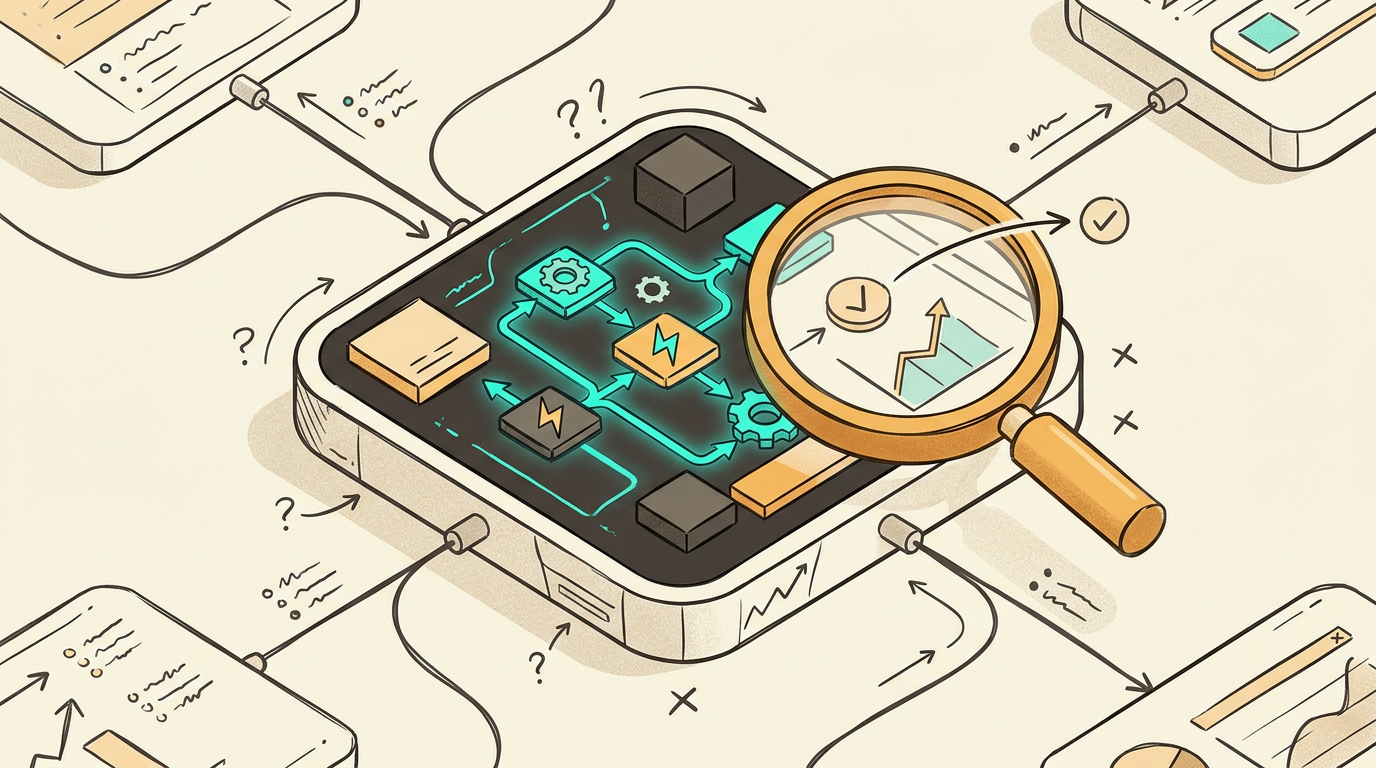
Running Test Conversations
Before going live, run at least 10 test cases manually:
- A standard question your agent should handle well
- An edge case it might struggle with
- A hostile or confusing input
- A question outside its scope
- A very short input (one word)
For each test, ask: did it produce the right output? If not, update the system prompt and retest.
Analyzing Performance Metrics
Paperclip's model of treating agents like employees [1][2] is genuinely useful here — track your agent's performance the same way you'd track a hire:
- Accuracy rate: What % of outputs required no edits?
- Volume handled: How many tasks per day/week?
- Error rate: How often did it fail or produce something unusable?
- Time saved: Estimate hours saved per week
n8n logs every execution. Review the logs weekly for the first month.
Iterating Based on User Feedback
If customers interact with your agent, collect feedback. Even a simple thumbs up/down on replies gives you signal. Update your system prompt monthly based on what you learn. The agents that work best are the ones that get iterated on — not the ones that get set and forgotten.
Common Mistakes Solo Founders Make With AI Agents
I've made most of these. Learn from them.
Scope Creep and Feature Overload
The number one mistake: trying to make your first agent do everything. You add one feature, then another, then another — and suddenly nothing works reliably. Keep your first agent to a single, well-defined job. Add complexity only after the core loop is stable.
Poor Data Quality and Training
Garbage in, garbage out. If your system prompt is vague, your agent will produce vague outputs. If your knowledge base has outdated pricing or wrong information, your agent will confidently share it with customers. Audit your inputs before you go live.
Neglecting User Feedback Loops
Builders who automate their entire workflow — not just use AI tools one-off — are the ones who see compounding results [8]. That means building in feedback mechanisms from day one. Review agent outputs regularly. Create a simple log (even a Google Sheet) where you flag bad outputs and track improvements over time. Without this loop, your agent stagnates.
Getting Started Today: Your Action Plan
You now have everything you need to ship your first agent this week. Here's how to make it happen.
Quick-Start Checklist
- Identify your one highest-leverage use case
- Sign up for n8n (free at n8n.io)
- Sketch your workflow: Trigger → Action → Output
- Get API access to Claude (console.anthropic.com) or OpenAI
- Build and test your first workflow with 10 sample inputs
- Set up a Schedule Trigger to run the loop automatically
- Log outputs for the first two weeks and iterate
Resources and Tutorials
- n8n Docs: docs.n8n.io — comprehensive and beginner-friendly
- Remy Gaskill's AI Agent Course [3] — best free resource for understanding agent architecture
- The n8n Viral Shorts Machine template [5] — a real no-code build you can copy and adapt
- Paperclip demo [2] — worth watching to understand the "agents as employees" mental model
Next Steps After Your First Agent
Once your first agent is running reliably, the next move is to connect it to a second agent — building toward what Paperclip calls a self-sustaining operation [1][2], where agents handle the operational layer and you focus on strategy.
For example:
- Agent 1 handles support email drafts
- Agent 2 logs resolved issues into a knowledge base
- Agent 3 uses that knowledge base to improve future replies automatically
That's a three-agent stack that runs itself. And you can build it without writing a single line of code.
Start with one. Ship it this week. Then build the next one.
One-sentence summary for sharing: Build your first AI agent this week using free no-code tools like n8n and Claude — define one job, set up a loop, and get back 5–10 hours you're currently losing to repetitive work.
References
- (5) Founder of Paperclip shows how - YouTube
- (5) Paperclip: Hire AI Agents Like Employees (Live Demo) - YouTube
- (5) Building AI Agents that actually work (Full Course) - YouTube
- (5) How Claude is Creating a New Generation of Millionaires - YouTube
- (5) I Built a 24/7 Viral Shorts Machine with No-Code (free n8n template) - YouTube
- (5) 7 INSANE loops you need to try right now - YouTube
- (5) Anthropic is coming for EVERYTHING - YouTube
- (5) I figured out the best way to vibe code - YouTube
- (5) Matthew Berman - YouTube